Understanding the Color Wheel: A Complete Guide
Master the fundamentals of the color wheel and discover how it forms the foundation of effective color theory in modern design.
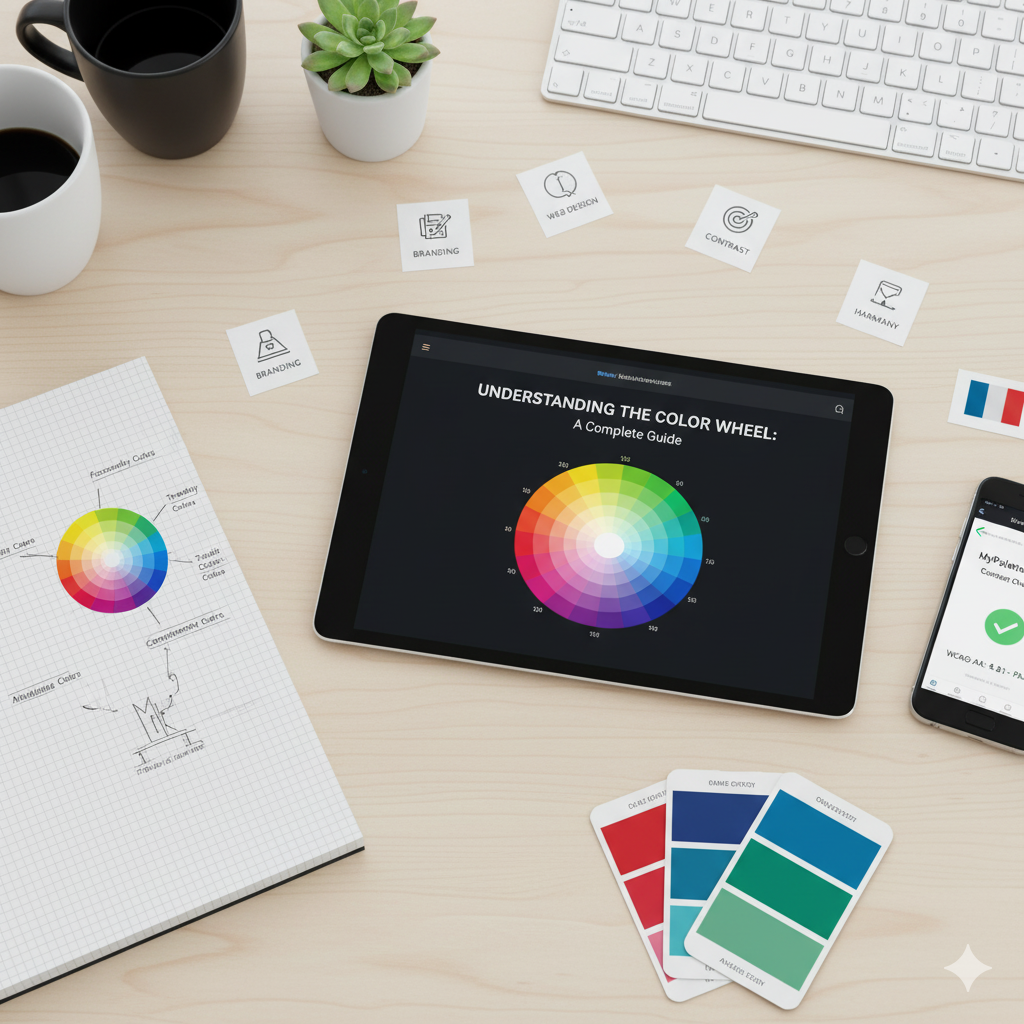
Understanding the Color Wheel: A Complete Guide
The color wheel is one of the most fundamental tools in design. Whether you're creating a brand identity, designing a website, or choosing colors for a painting, understanding the color wheel will transform your creative process.
What is the Color Wheel?
The color wheel is a circular diagram that shows the relationships between colors. It was first developed by Sir Isaac Newton in 1666 and has been refined over centuries to become the essential tool designers use today.
The modern color wheel typically includes 12 colors:
- 3 Primary Colors: Red, Yellow, Blue
- 3 Secondary Colors: Orange, Green, Purple
- 6 Tertiary Colors: Red-Orange, Yellow-Orange, Yellow-Green, Blue-Green, Blue-Purple, Red-Purple
Primary Colors
Primary colors are the foundation of all other colors. They cannot be created by mixing other colors together:
- Red: Energy, passion, excitement
- Yellow: Happiness, optimism, warmth
- Blue: Trust, calm, professionalism
These three colors form the basis of the traditional color wheel (RYB model), which is most commonly used in art and design.
Secondary Colors
Secondary colors are created by mixing two primary colors in equal amounts:
- Orange = Red + Yellow
- Green = Yellow + Blue
- Purple = Blue + Red
Secondary colors sit between the primary colors on the color wheel and create visual harmony when used together.
Tertiary Colors
Tertiary colors are made by mixing a primary color with an adjacent secondary color:
- Red-Orange (Vermillion)
- Yellow-Orange (Amber)
- Yellow-Green (Chartreuse)
- Blue-Green (Teal)
- Blue-Purple (Violet)
- Red-Purple (Magenta)
These colors add depth and variety to your palette and create more nuanced color schemes.
Color Relationships
Understanding how colors relate to each other on the wheel helps you create effective color schemes:
Complementary Colors
Colors directly opposite each other on the wheel (e.g., red and green, blue and orange). These create high contrast and visual excitement.
Analogous Colors
Colors next to each other on the wheel (e.g., blue, blue-green, green). These create harmonious, peaceful designs.
Triadic Colors
Three colors equally spaced around the wheel (e.g., red, yellow, blue). These create vibrant, balanced schemes.
Practical Applications
Web Design
Use the color wheel to:
- Create accessible contrast (complementary colors)
- Build cohesive navigation (analogous colors)
- Design eye-catching CTAs (complementary accents)
Branding
Your brand colors should:
- Reflect your brand personality
- Use color relationships strategically
- Consider color psychology
UI/UX Design
Apply color theory to:
- Guide user attention
- Create visual hierarchy
- Improve usability
Tips for Using the Color Wheel
- Start with one color: Choose your main color first, then use the wheel to find complementary colors
- Use the 60-30-10 rule: 60% dominant color, 30% secondary, 10% accent
- Test accessibility: Always check WCAG contrast ratios using our Contrast Checker
- Experiment freely: Use our Color Palette Generator to try different color schemes instantly
Common Mistakes to Avoid
- Too many colors: Stick to 3-5 colors maximum
- Ignoring context: Colors look different on screen vs. print
- Forgetting accessibility: Always test contrast ratios
- Not considering color blindness: Use tools to simulate different types of color vision
Color Wheel in Digital Design
In digital design, we often use the RGB color model (Red, Green, Blue) instead of RYB. The principles remain the same, but the primary colors are different:
- RGB Primary: Red, Green, Blue (additive color - light)
- RYB Primary: Red, Yellow, Blue (subtractive color - pigment)
For web design, RGB is what matters, but the RYB color wheel relationships still guide our aesthetic choices.
Conclusion
The color wheel is more than just a diagram—it's a powerful tool that helps you make informed color decisions. By understanding primary, secondary, and tertiary colors, plus color relationships like complementary and analogous schemes, you can create harmonious, effective designs.
Ready to put color theory into practice? Try our Color Palette Generator to experiment with different color schemes, or use our Color Converter to work with different color formats.
Related Tools
- Color Palette Generator - Create beautiful color schemes instantly
- Gradient Generator - Design smooth color transitions
- Contrast Checker - Ensure WCAG accessibility compliance
- Color Converter - Convert between HEX, RGB, HSL, and CMYK
Master color theory with MyPaletteTool's free color tools for designers and developers.